Flycam Flight Path Management
Open Flycam Log Files
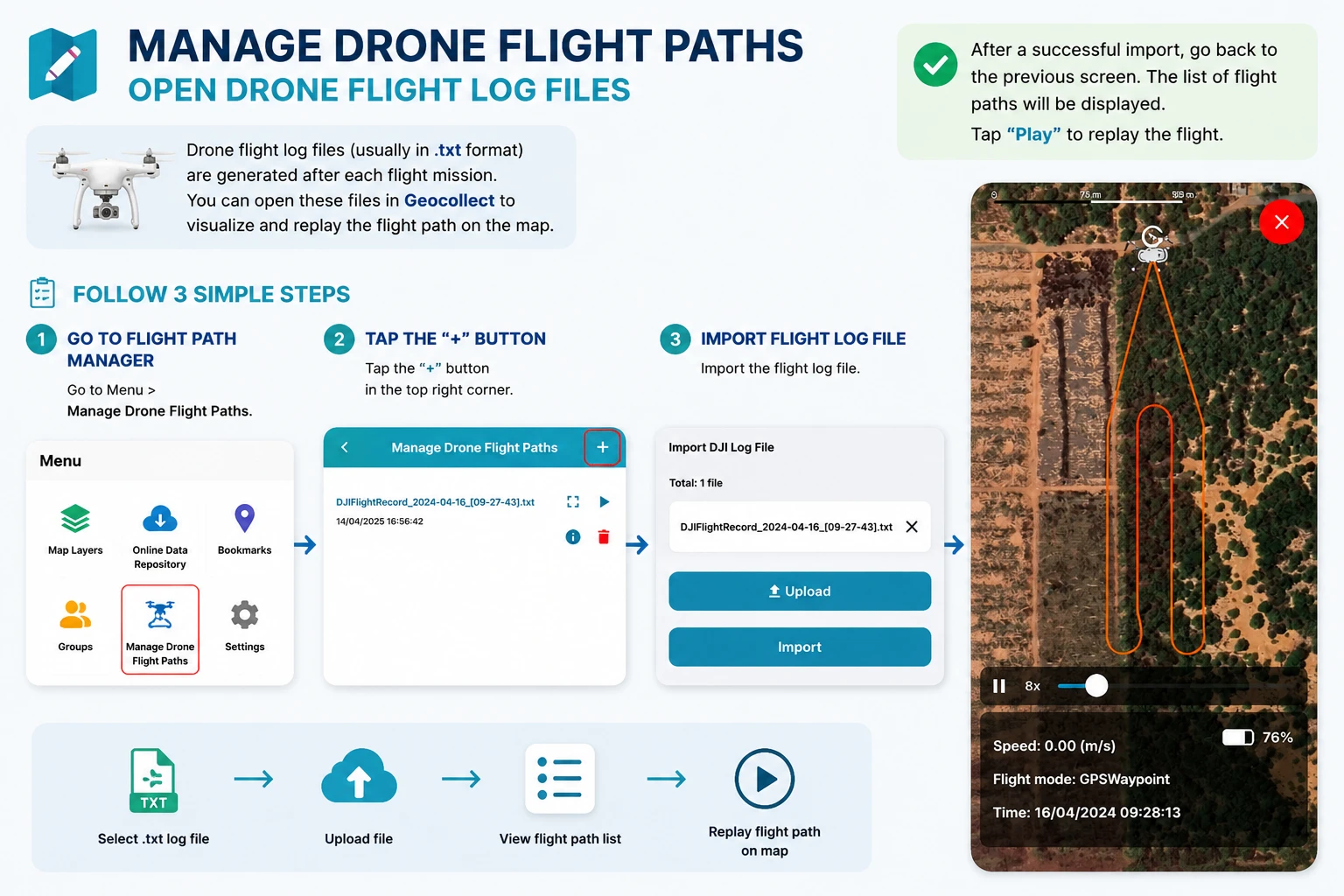
Flycam log files (Usually in .txt format) obtained after completing a flight mission. This file can be opened on the Geocollect application to replay the flight path on the map.
To use this feature, you need to follow these steps:
- Step 1: Go to Menu > Flycam Flight Path Management.
- Step 2: Click the ”+” sign
 at the top right corner.
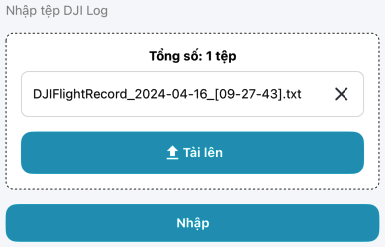
 - Step 3: Import flight log files.
After successful import, users return to the previous screen, now the flight path list is displayed.
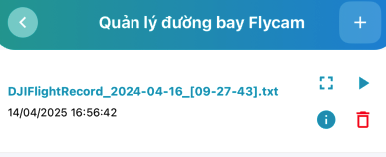
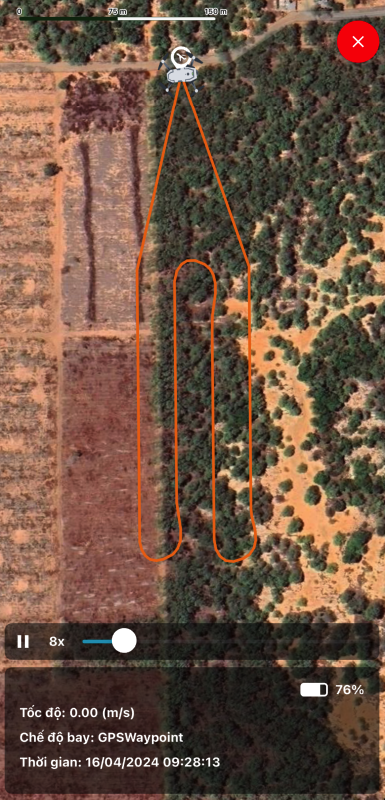
When clicking the “Play” button  , you can replay the flight path.