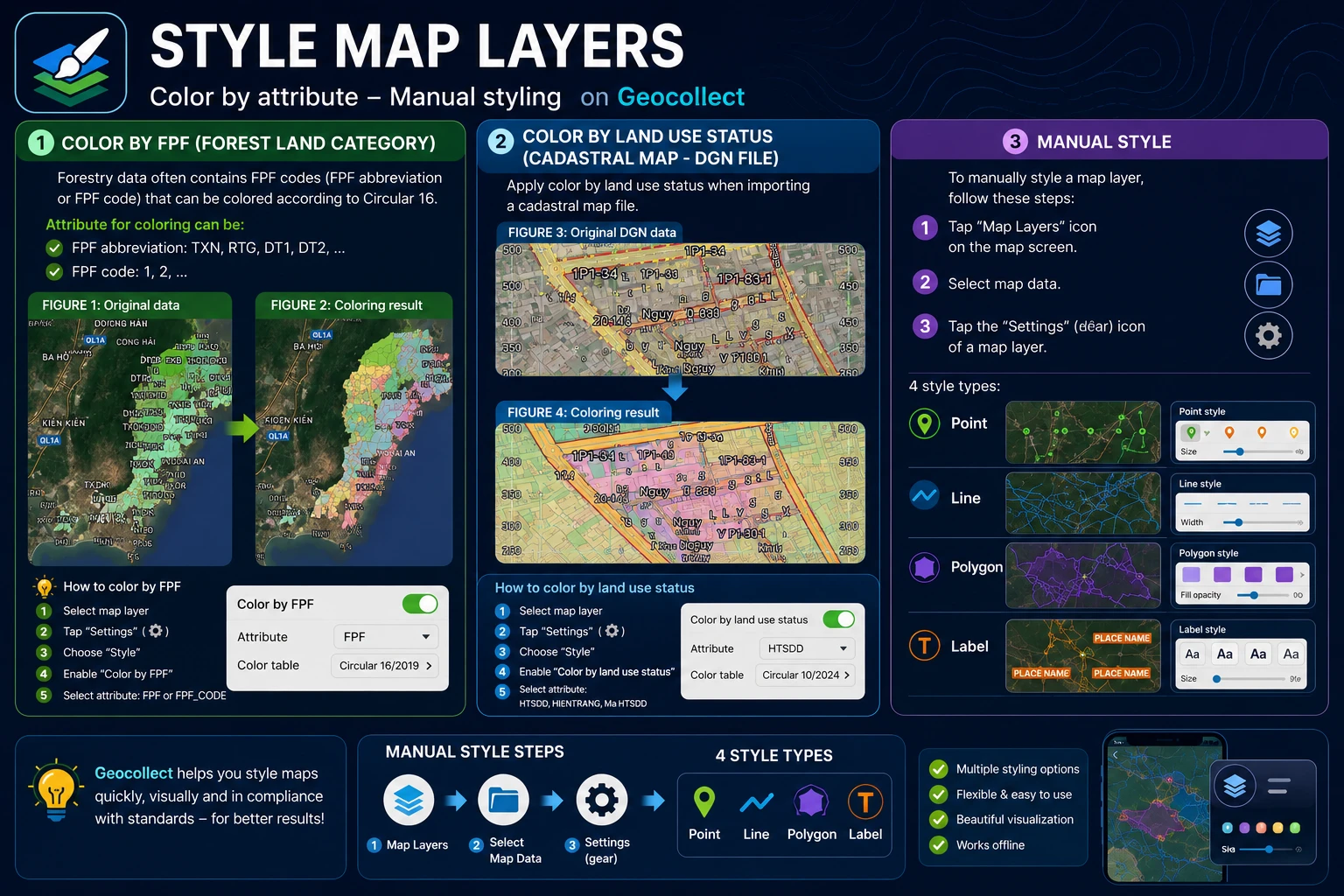
Map Layer Styling
Color by LDLR (Land Type and Forest Type)
Forestry data often contains LDLR abbreviations or LDLR codes that can be colored according to Circular 16.
Attributes for coloring can be:
- LDLR abbreviations such as: TXN, RTG, DT1, DT2,…
- LDLR codes such as: 1, 2…
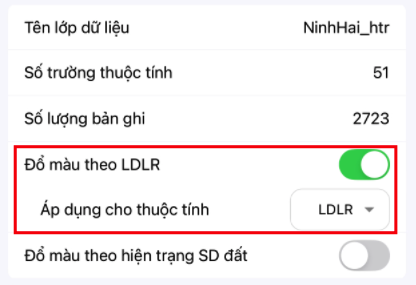
If the correct attribute is selected, the result will be as follows:
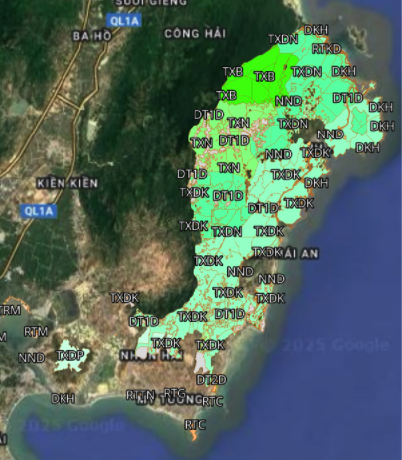
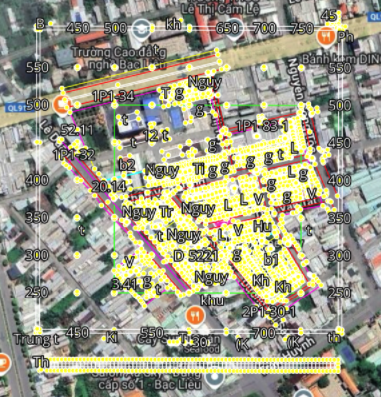
Color by Land Use Status (Cadastral DGN File)
You need to color by land use status when importing map files:
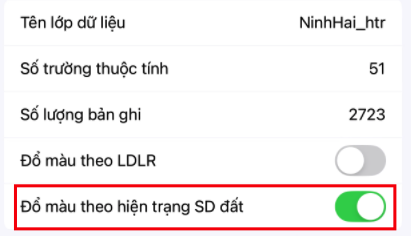
If the correct attribute is selected, the result will be as follows:
Manual Styling
To manually style a map layer, follow these steps:
- Step 1: Select the “Map Layers” icon on the map screen.
- Step 2: Select Map Data.
- Step 3: Select the “Settings” or “Gear” icon of a map layer.
There are 4 types of styles:
- Point
- Line
- Polygon
- Label