Offline Basemap
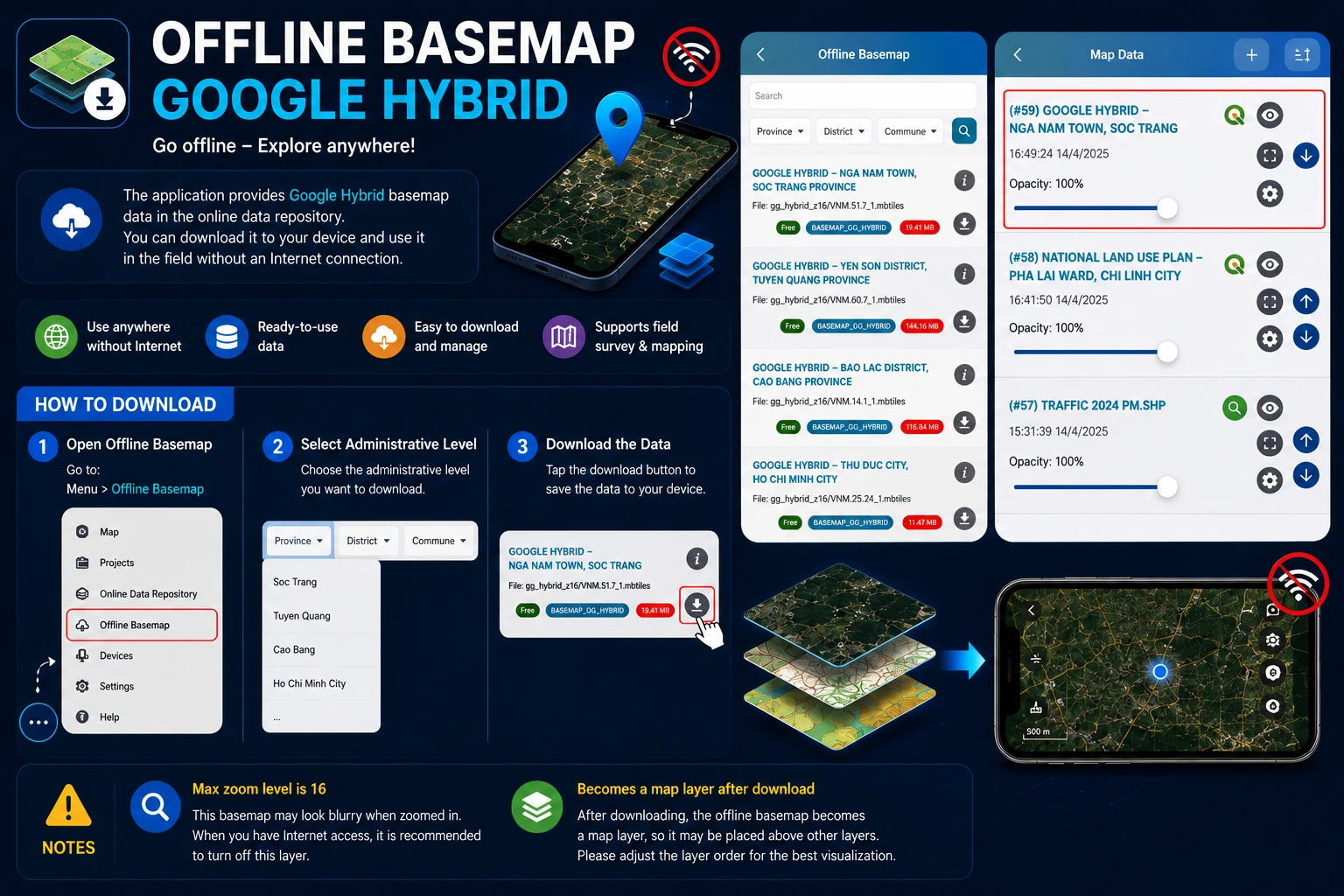
The application has Google Combined basemap data available on the online data store, users can completely go to the field without Internet connection.
To download this data to your device, please follow these steps:
- Step 1: Go to Menu > Offline Basemap.
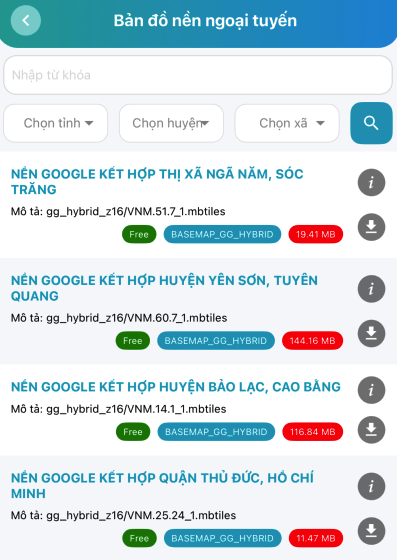
- Step 2: Select the administrative level you want to download.
- Step 3: Download the data.
Note:
- The maximum zoom level of this data is 16, so it will be relatively blurry, therefore when you have Internet, it’s recommended to turn off this basemap layer.
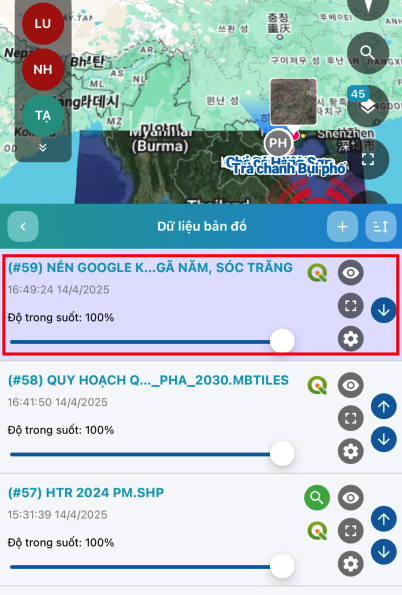
- After downloading the offline basemap, it becomes a map layer, so it can be on top of other map layers, users should adjust the layer arrangement.