Basic Routing
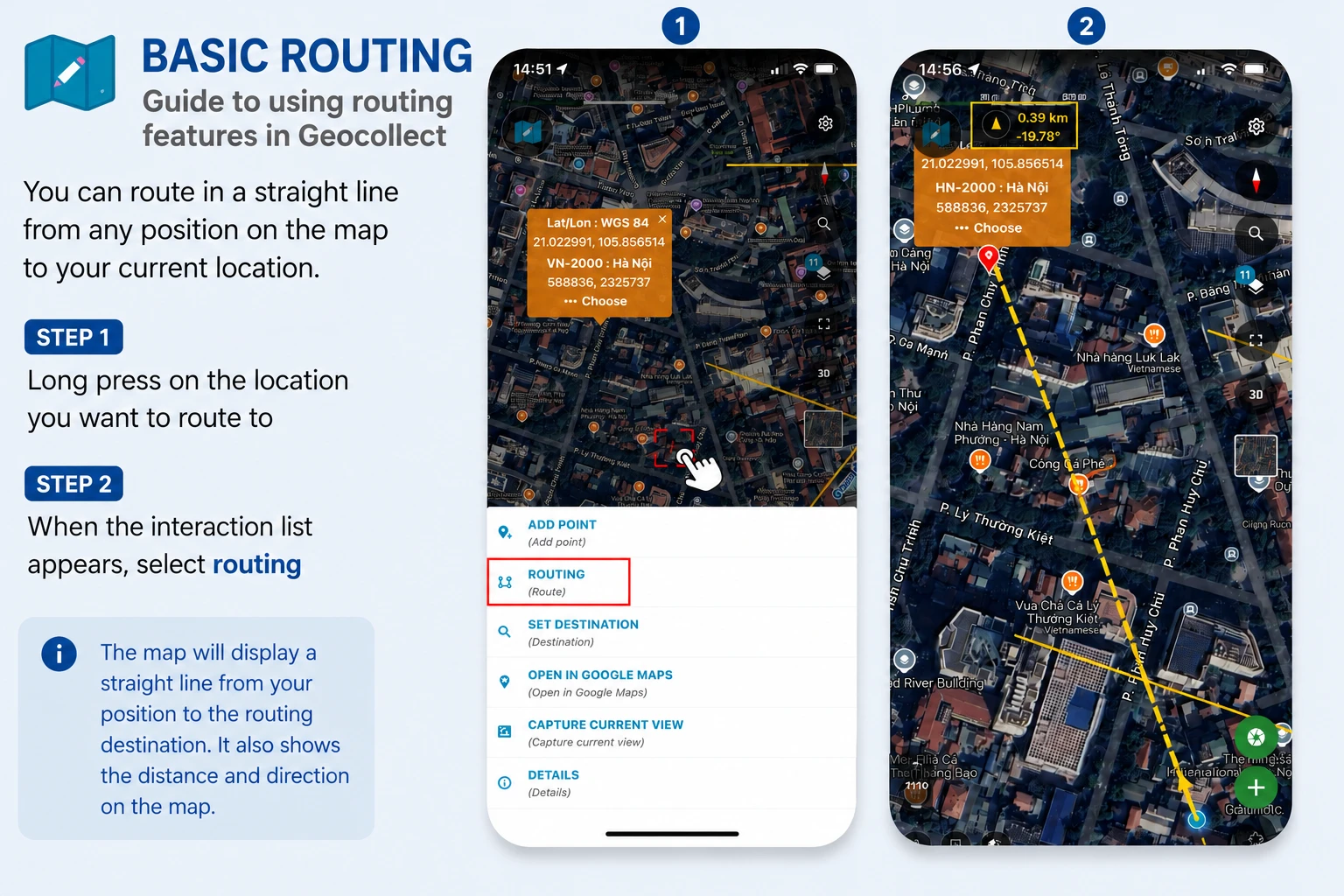
You can route in a straight line from any position on the map to your current location.
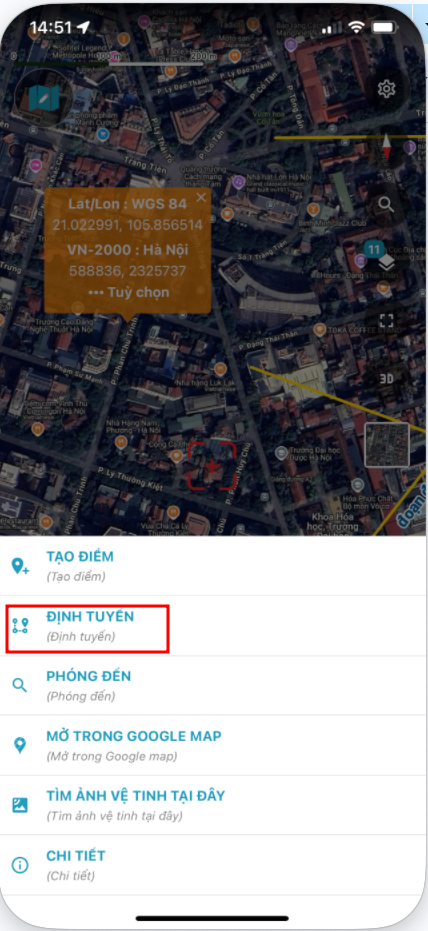
- Step 1: Long press on the location you want to route to
- Step 2: When the interaction list appears, select routing
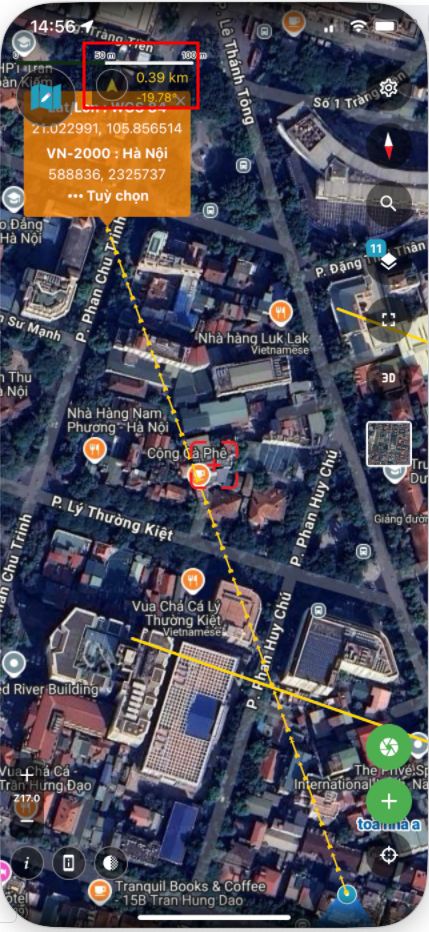
The map will display a straight line from your position to the routing destination. It also shows the distance and direction on the map.