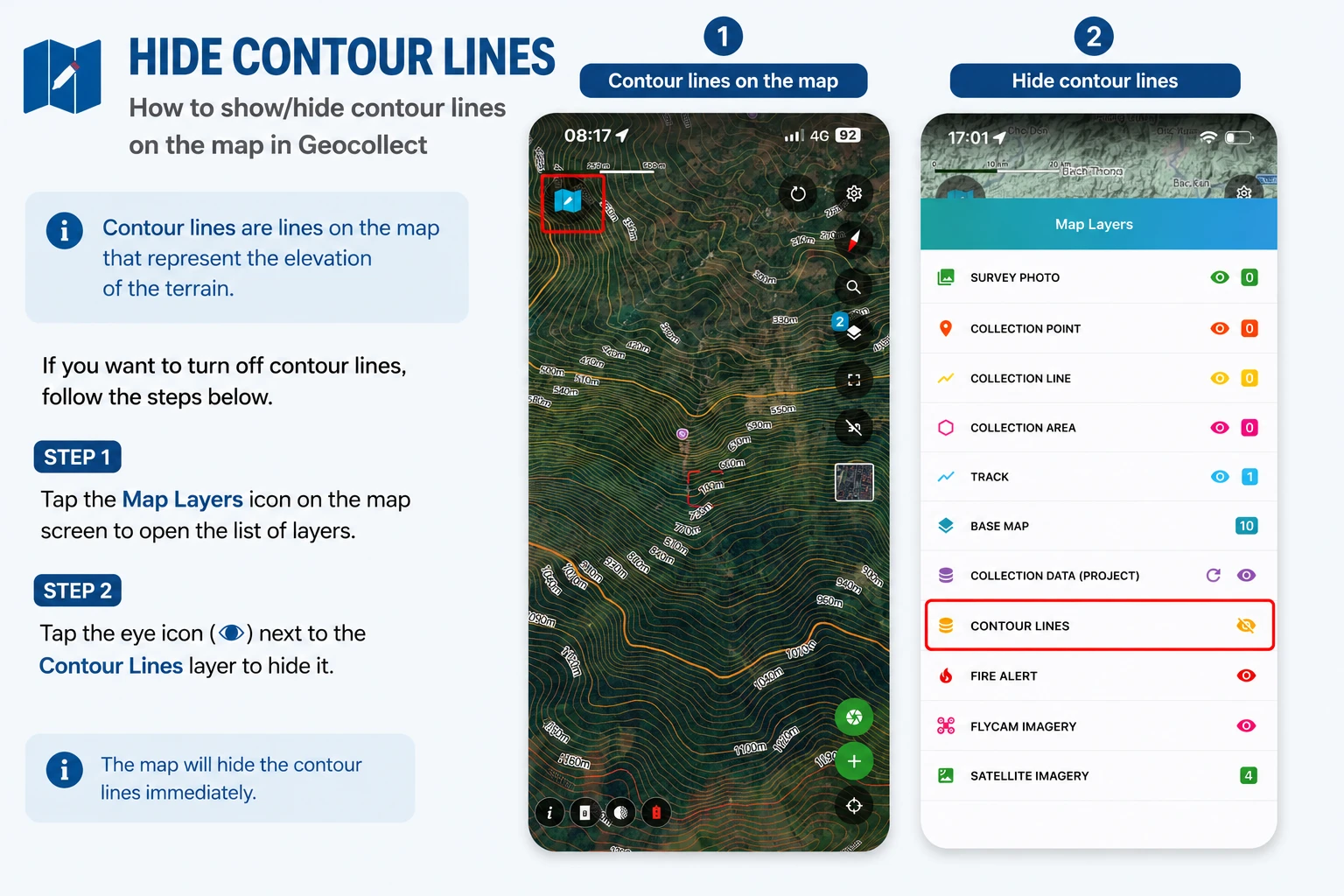
Hide Contour Lines
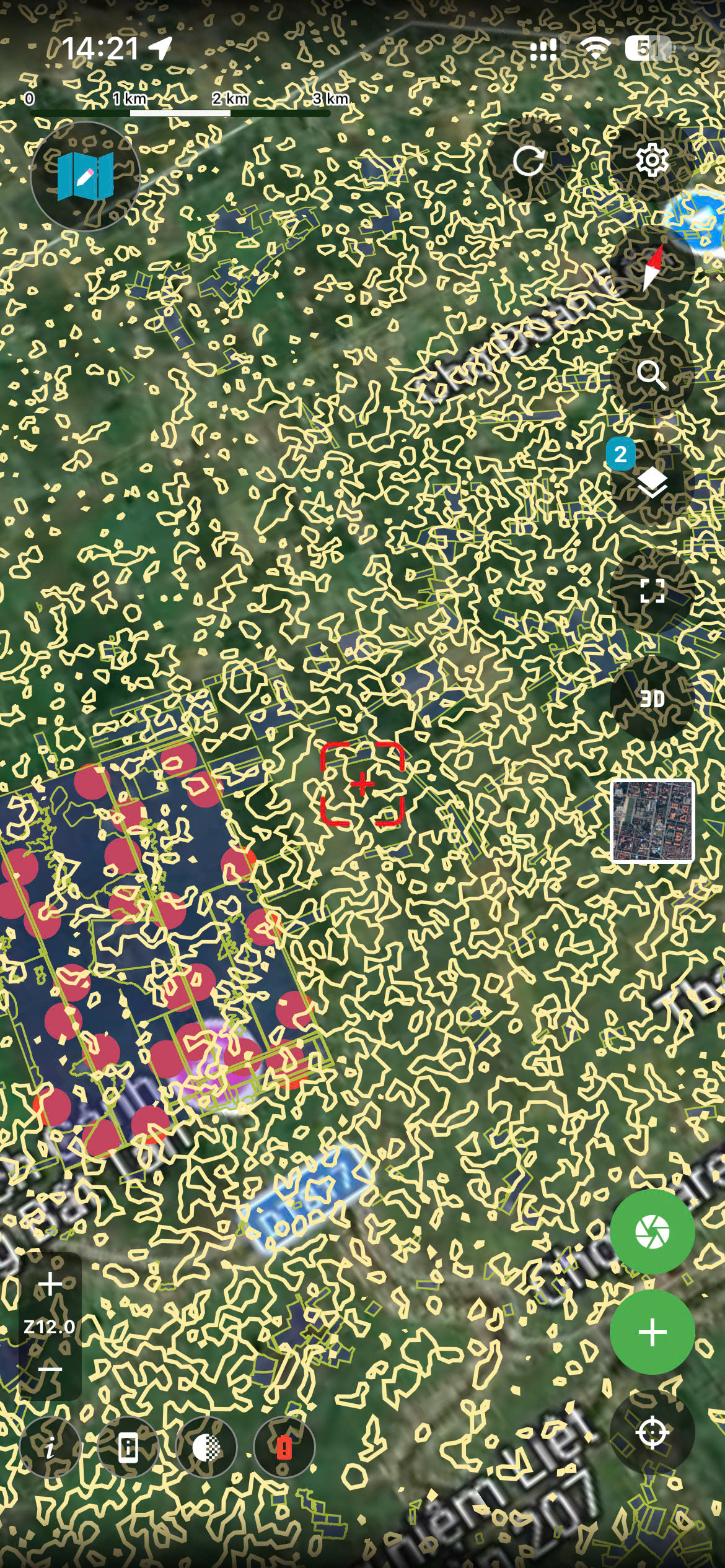
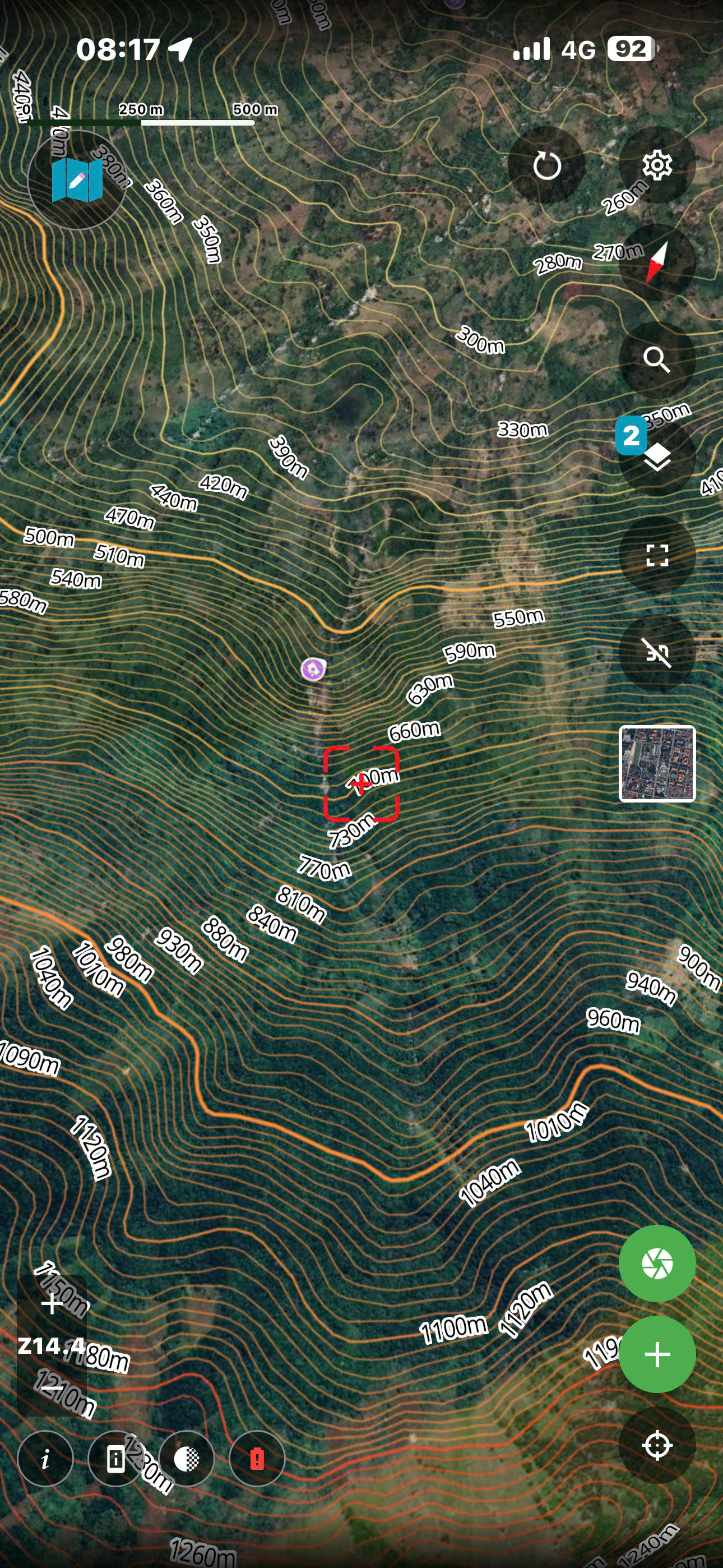
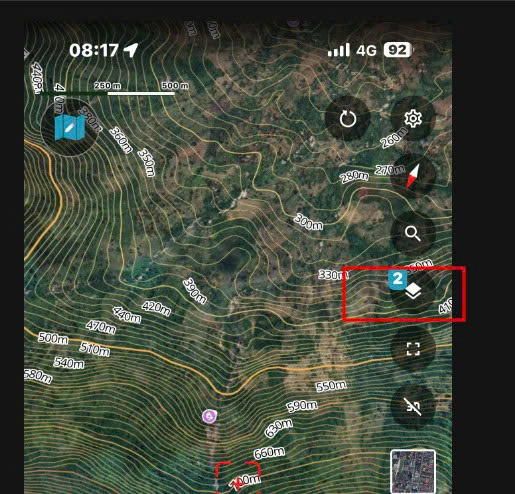
Contour lines are lines on the map that represent the elevation of the terrain.
If you want to hide the contour lines, follow the steps below.
Contour Lines on the Map
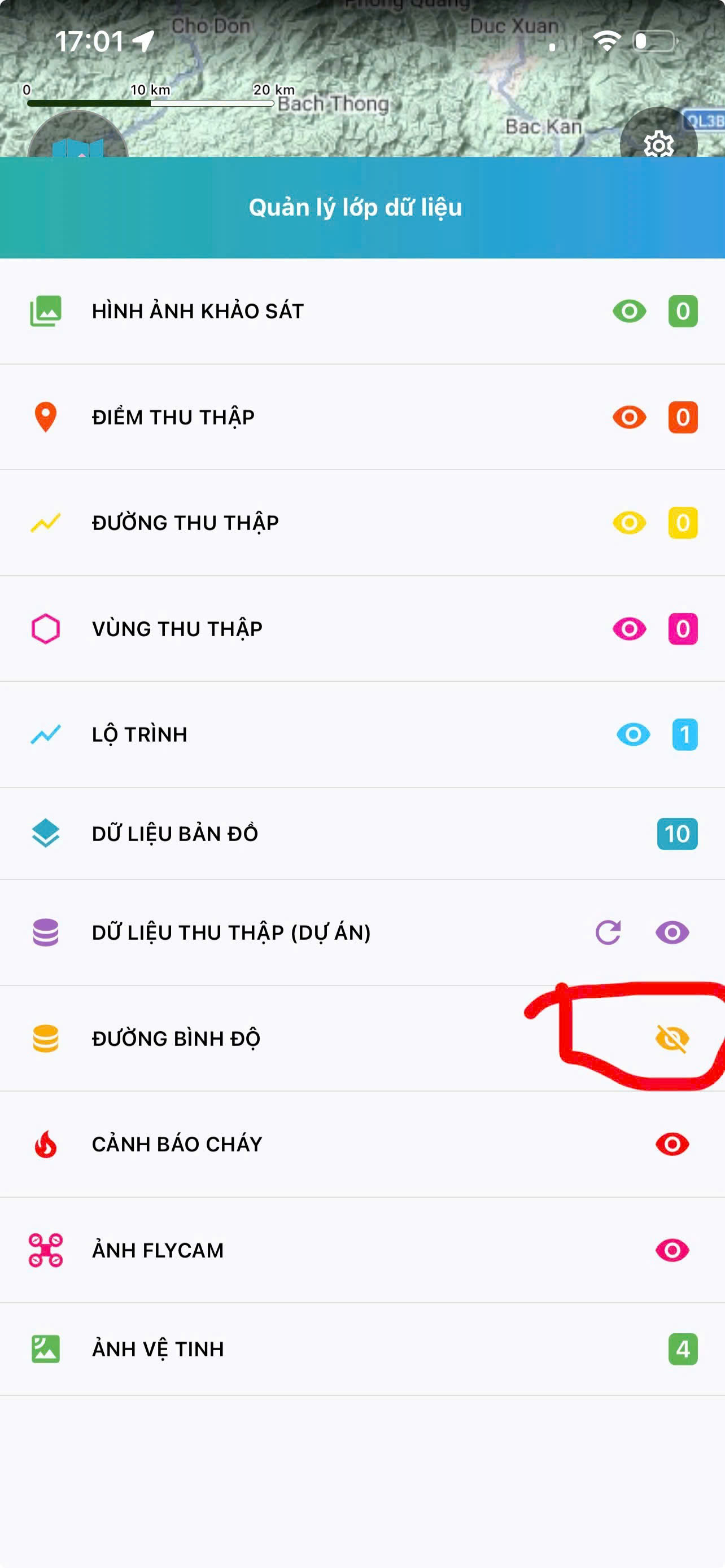
How to Hide Contour Lines
Step 1
Tap the Map Layers icon on the map screen to open the layers list.
Step 2
Tap the eye icon (👁) next to the Contour Lines layer to hide it.